
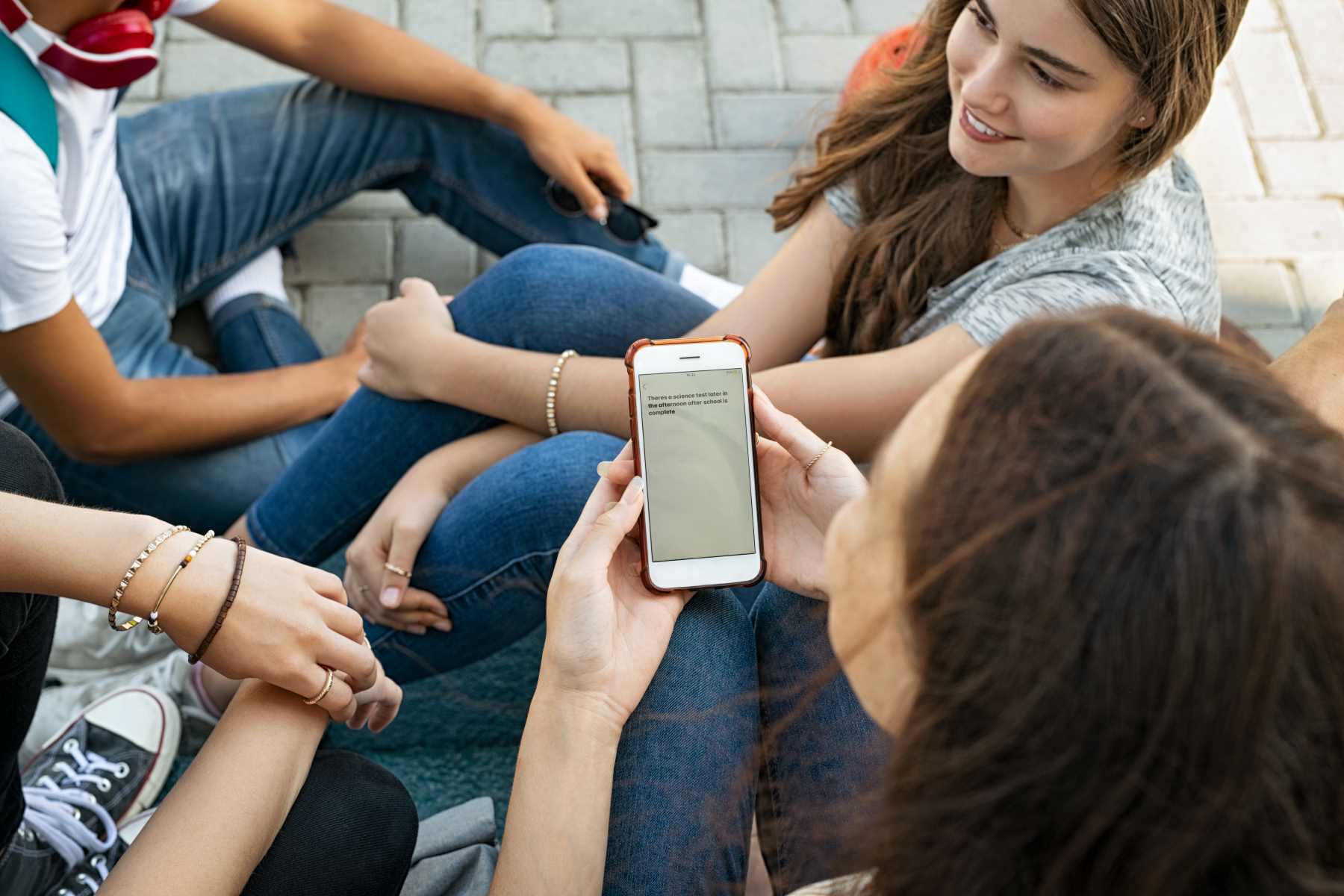
That thread runs in a lot of houses around seven in the evening. It isn’t a fight, and it isn’t really about the answer either. Your teenager has nothing to hide. Typing out an address just feels like being questioned, so the reply gets shorter every time. Which is why plenty of families stop asking and agree to share location instead.
In Findmykids, that agreement turns into something small on the screen. You open the map and see where Noah is. He gets to practice, and a notification arrives: he’s there. Nobody had to text anybody.
The version that lasts is the boring one
Any setup that needs you to open an app and check is a setup you’ll abandon in a week. What survives is the part that runs quietly and speaks up on its own.
That’s what places are for. You mark the spots that already matter — the school, the field, a friend’s building, your mother’s street — and the phone lets you know when Noah arrives and when he leaves.
With a teenager, the leaving half is the useful one. Practice ends forty minutes early, you know it before he thinks to call, and the ride is already on the way.
There’s route history too, and it earns its place in unglamorous ways. Noah can’t find his headphones and swears he had them Saturday. The route from Saturday shows the three places he stopped, and the search takes ten minutes instead of the whole afternoon.
And when he comes home a way he doesn’t usually come, a notification tells you the route changed. Most of the time it’s nothing: a closed street, a detour to the taco place, a walk to somebody’s door. You see it, you shrug, you go back to dinner. That’s the point. The alert does the noticing so you don’t have to.
The evening the phone goes quiet
Phones live on silent at that age. Yours rings out, the message sits unread, and you’re doing math about how long is too long.
Loud Signal is built for that hour. The call comes through loudly on Noah’s phone even when the sound is off, enough to reach him in a gym, a basement, or a room with the music up. Half the time the answer is that he never heard the first four calls.
It goes the other direction as well. If something is wrong on his end, Noah sends an SOS and you get it immediately, wherever you are.
And then there’s the least dramatic notification of the three, which parents of teenagers end up leaning on most: his phone is nearly out of battery. You get a heads-up before the map stops updating, so you can send “text me when you’re on the bus” while the phone is still awake. A dot going still because a phone ran out of charge is what actually scares people. This is the alert that keeps that from happening.
The weeks when it earns its place
Location sharing isn’t equally useful all year. It sits quiet for months, then pays for itself in a single week.
The first week of a new school year is one of those weeks. New building, new bus, a transfer he’s never done alone. You mark the school and the transfer stop once, and the next ten days answer themselves without a single “did you make it” text.
A first job is another. The shift ends at nine, the parking lot is dark, and you’d rather know he’s walking to the car than wonder about it. The notification comes when he leaves the store, and you go to bed at a normal hour.
Route history quietly helps here too. Two weeks into a new commute, you can see whether the transfer actually works or whether he’s been walking fifteen extra minutes because the timing is off. That’s not a gotcha. That’s a schedule you fix together on Sunday.
Games two towns over, a concert downtown, the first month with a license — same pattern. Something changes, the map carries the anxiety for a couple of weeks, and then everyone forgets it’s there again.
It has to point both ways
The thing that decides whether any of this lasts past the first month isn’t technical. It’s whether your teenager is on the map alongside you rather than under you.
Family circles do that plainly. Everyone in the circle sees everyone else. Noah can see you’re still stuck on the interstate, so he stops waiting outside the school and goes back in. He can see his older sister is already home. The map stops being something aimed at him and becomes something the household uses.
That’s also why Findmykids sits visibly on his phone instead of tucked away. Being reachable and being watched are different things, and teenagers can tell the difference instantly. An arrangement you can say out loud at the kitchen table survives. One you can’t gets uninstalled the first week he works it out.
Have that conversation on a calm evening rather than after a missed curfew. What you’re asking for is narrow: not a report on his day, just knowing he got there. Most teenagers take that deal when it’s stated honestly and when it applies to you too.
What the map doesn’t answer
Worth being straight about the limits, because they’re where families get themselves into trouble.
The map shows you where a phone is. It doesn’t tell you who he’s with, whether the party is the kind you’d want, or how he’s actually doing after a rough day. A dot answers one narrow question and answers it well. Everything past that is still a conversation, and no app moves it along.
It also isn’t a way to catch him out. If the first thing you do with a route change is open with an accusation, you’ve spent the whole arrangement on one evening. Ask later, ask normally, and the map stays useful for years.
Where the built-in options stop
Most families try the free tools first, which is a reasonable place to start. Find My works between Apple devices; Google’s Family Link is built around a Google account and the child’s Android phone. Each lives inside its own ecosystem, which is fine right up until your household isn’t all one brand: a parent on an iPhone, a teenager who wanted the Android, a grandparent somewhere in between. Findmykids works across both sides, so whichever phone anyone happens to be holding doesn’t decide whether the arrangement works.
Getting it going
Findmykids is free to install from the App Store and Google Play. Setup happens once, on both phones, and takes an evening at most: the app on yours, the child app on his, connected with a code. The map, the places, and the notifications are there from the start. Screen time limits, if you ever want them, come with the paid plan, and plenty of families never turn those on at all.
Give it a week before you judge it. The first few days you’ll open the map more than you need to. Everyone does, and everyone stops.
What if he turns it off?
Then you’ll notice the map stopped updating, and that’s a conversation rather than a chase. This works as a deal between two people, not as a lock. Deals that were fair when you made them tend to hold.
Does it work if we have different phones?
Yes. iPhone on one side, Android on the other, in any combination. That’s usually the reason families move off the built-in tools in the first place.
How much should we tell him?
All of it. He has the app on his phone, he knows what you can see, and he can see you back. Anything less and you’re not sharing location, you’re doing something else.
What tends to happen after a few weeks is quieter than expected. The evening question disappears, because it’s already answered. And more often than you’d guess, it’s Noah who opens the map first, checking whether you’ve left work yet, because the ride home depends on it.
