
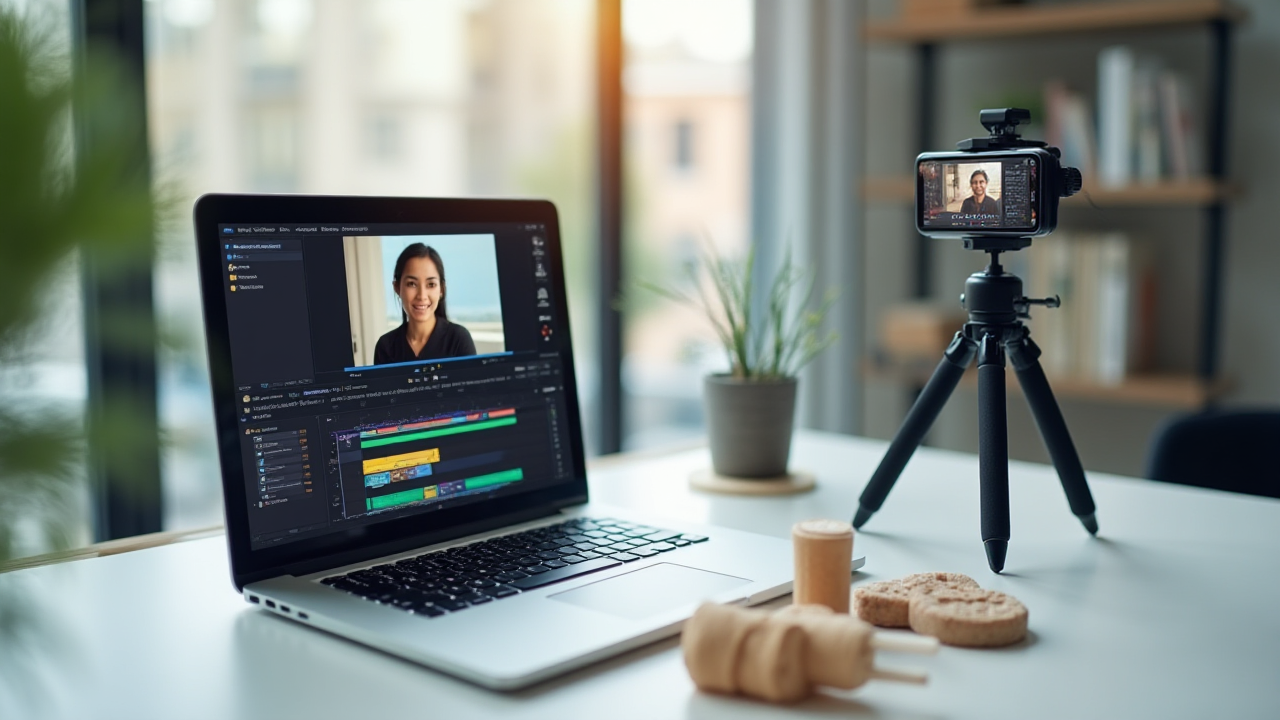
Product videos do not need a large studio, dramatic editing, or a perfect script to be effective. Often, the most useful clips simply show an item in a believable situation, explain what it does, and help a shopper decide whether it fits their needs. That is the appeal of AI UGC and other creator-style formats: they can make a product easier to picture in everyday life.
Natural does not mean unplanned. A casual-looking video still needs an accurate product, a clear point of view, readable captions, and an honest message. The goal is to create content that feels helpful rather than overly polished or aggressively promotional.
Why Human-Feeling Video Works
Shoppers need enough context to understand how a product looks, feels, and fits into a routine. A straightforward demonstration can answer those questions faster than a feature list alone. Casual framing can also help viewers imagine themselves using the item, whether it is on a desk, in a kitchen, at the gym, or packed for a commute.
Match the video to its job. An awareness clip may focus on a relatable problem. A product-page video should make details clearer. A paid campaign may need a strong opening and a direct next step. Human-feeling content is not careless content. It is an intentional video that keeps the product and the viewer’s question at the center.
What Makes a Product Video Feel Natural
Natural video uses familiar visual signals: ordinary lighting, simple handheld movement, clear product handling, and language a customer might actually use. Small pauses or an imperfectly centered frame can feel believable when they do not prevent the viewer from seeing the product.
- Use a setting that matches the product’s real purpose.
- Keep the item visible during the important action.
- Use plain, specific wording instead of exaggerated promises.
- Let captions support the video for sound-off viewing.
- Keep backgrounds and editing simple enough that the product remains the focus.
Start With the Product, Not the Effect
Begin with a clean reference image or source clip. Labels, colors, materials, proportions, and defining features should be easy to inspect before filming or generating anything. If the product has a claim, confirm that the claim is accurate and supportable before it appears in a script, caption, or voiceover.
Choose one customer problem for each video. A reusable bottle, for example, may solve the simple problem of carrying water during a commute. That is more useful than trying to discuss its lid, color range, insulation, sustainability, and price in the same short clip. Separate facts, such as capacity or material, from personal impressions, such as “I like the grip.”
Build a Simple Video Structure
A repeatable five-part format
- Open with the situation. Show the problem or use case in the first few seconds.
- Introduce the product. Make it easy to identify what the viewer is seeing.
- Demonstrate one feature. Show the action instead of merely naming the benefit.
- Add relevant context. Explain who may find the item useful and when.
- Finish with the next step. Invite viewers to explore details, compare options, or visit the product page.
This structure works because it gives the viewer a reason to keep watching before asking for action. It also prevents the common mistake of putting every selling point into one crowded video.
Use Realistic Settings and Movement
Use locations that make sense for the item. A kitchen works for a food-storage container, a workshop works for a tool, and a desk works for a productivity accessory. For a reusable bottle, show it going into a bag, sitting in a cup holder, or being used after a walk instead of placing it in an unrelated dramatic scene.
Vertical framing is often practical for mobile-first placements. Leave room for captions and on-screen interface elements, especially near the bottom of the frame. Camera movement should reveal handling, scale, or function, not distract from the demonstration.
Use AI With Care and Clear Disclosure
AI-assisted production can help with caption drafts, translation, reframing, background cleanup, alternate edits, and early concept testing. It requires review. Check generated frames for distorted hands, inconsistent labels, changed packaging, incorrect product behavior, and claims that the source material does not support.
Use particular caution with testimonials, customer stories, voices, and before-and-after results. A fabricated customer experience should never be presented as genuine. When a creator has a paid relationship with a brand, clear disclosure matters, and the guidance on endorsements, influencers, and reviews explains why marketing relationships and consumer feedback must be handled transparently.
Test Video Variations Without Losing Trust
Testing can improve a campaign without changing the truth of the message. Change one meaningful variable at a time, such as the opening shot, video length, caption style, or demonstration sequence. Compare a problem-and-solution opening with a direct product introduction, but keep the product, offer, and core claim consistent.
Look beyond views. Depending on the goal, review watch time, completion rate, saves, comments, clicks, add-to-cart actions, and sales. A video with fewer views may still be more useful if it attracts viewers who take the intended next step.
Common Mistakes to Avoid
- Using vague phrases such as “guaranteed” or “life-changing.”
- Showing close-ups without showing how the product is used.
- Adding too many cuts, effects, or text blocks.
- Letting generated visuals alter labels, faces, hands, or product details.
- Presenting invented customer stories as real experiences.
- Ignoring captions, accessibility, and sound-off viewing.
- Copying a trend that does not suit the product or intended audience.
A Practical Measurement Checklist
Before publishing, ask whether the product is immediately recognizable, the use case is clear, and every stated claim is accurate. Confirm that the video works without sound, visual details remain consistent, any sponsored or synthetic elements are clear, and the landing page delivers on what the video presents.
A short editorial review should also cover accessibility, clarity, disclosure, and brand safety. This final check is especially important when multiple versions are produced quickly.
Conclusion
A trustworthy product video makes the product easy to understand and the use case easy to picture. Start with accurate references, show one useful action, use a setting that feels familiar, and make honest disclosure part of the workflow. Content built around the reader’s real questions is also more likely to align with people-first content principles than content designed only to chase attention.
Frequently Asked Questions
What makes a product video feel authentic?
Authentic-feeling video uses a believable setting, clear handling, specific language, and an accurate representation of the product.
Can AI-assisted videos still be trustworthy?
Yes, when every output is reviewed for accuracy, unsupported claims are removed, and synthetic or paid elements are disclosed where they could affect interpretation.
How can a casual video avoid looking careless?
Keep the framing simple, but ensure the product is visible, captions are readable, audio is understandable when used, and the message has a clear purpose.
